Outdoor Security Cameras for Rental Hosts
This post contains affiliate links. If you buy through them, we may earn a commission at no extra cost to you. As an Amazon Associate we earn from qualifying purchases. Learn more.
How we researched this: this is a research roundup based on manufacturer specifications and published reviews. We have not tested these products hands-on, and we do not list prices or ratings. Check the linked sources and current listings before you buy.
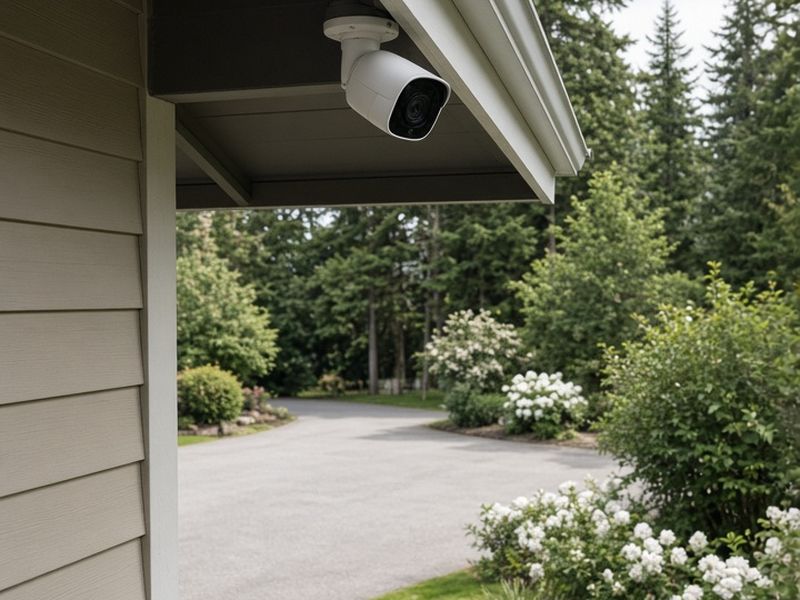
Outdoor cameras help rental hosts confirm arrivals, check party risks, spot package theft and resolve disputes about damage. They also carry real responsibility. Guests have a right to privacy, and the rules for cameras at a rental are stricter than at your own home. This roundup covers which outdoor cameras published reviewers recommend and how to use them responsibly. It is based on manufacturer specifications and published reviews; we have not tested these cameras hands-on.
Privacy first: the non-negotiable rules
Before any product talk, here is the line no host should cross.
- Never place cameras indoors. Not in living rooms, not in hallways, not anywhere inside the rental. Major booking platforms prohibit indoor cameras in guest spaces.
- Never point an outdoor camera into a window, a bathroom, an outdoor shower, a hot tub, a sauna or any area where guests would reasonably expect privacy.
- Disclose every outdoor camera in your listing, including its general location and what it covers, before guests book.
- Consider whether audio recording is legal in your area. Recording conversations can fall under wiretapping and consent laws that are stricter than video rules.
- Check your local and state rules, and the policies of each platform you list on. They change, and they differ by location.
A camera that covers the driveway, the front entrance and the street-facing side of the property is typical. A camera that watches guests relax in the backyard is not. When in doubt, leave it out.
What hosts should look for
Rental use is different from home use. You are often managing the property remotely, and you may need clips to back up a damage claim or confirm an occupancy violation.
- Reliable alerts that reach your phone and can be scheduled or muted.
- Clear night video, because most arrivals and parties happen after dark.
- Weather resistance appropriate to your climate.
- A power plan: wired, battery or solar, depending on where the camera sits.
- Storage you can count on, either a cloud plan or local storage.
- Shared access for a co-host or cleaner without sharing your main login.
Subscription costs add up across several cameras and properties, so factor in the ongoing plan, not just the hardware.
Arlo Pro 6 and Ring Outdoor Cam Pro
The Arlo Pro 6 appears in multiple published roundups. Reviews describe 2K HDR video and a 160-degree field of view, which is wide enough to cover a driveway and entry from one spot. Note that recording and many smart features require an Arlo Secure subscription.
The Ring Outdoor Cam Pro is described in published reviews as a 4K camera with radar-based motion zones, which can help reduce false alerts from passing cars or swaying branches. As with Arlo, you need a subscription plan to record and review footage.
Both brands offer broad app ecosystems and shared user access, which is useful when a co-host needs to check footage. Compare Arlo Pro 6 kits or compare Ring Outdoor Cam Pro options.
eufy and Blink: local storage and budget picks
If ongoing fees across several properties are a concern, eufy is frequently mentioned. Reviews describe the eufyCam S3 Pro as a 4K, solar-capable camera that stores footage locally on the HomeBase S380, with no subscription required. The eufy SoloCam S340 is described as a dual-lens solar camera with pan and tilt, which can cover a wider area from one mount.
Local storage keeps clips on a device in the home. That avoids monthly fees, but it means the base station must be physically secure, and a power or internet outage can affect remote viewing.
For a budget option, TrustedReviews names the Blink Outdoor 4 as a budget pick. It is a simple, battery-powered choice for covering a gate or side path. See Blink Outdoor 4 bundles.
Placement ideas that respect guests
Good camera placement protects the property without making guests feel watched.
- Front entrance: confirms check-in time and the number of people arriving.
- Driveway and parking: helps spot unregistered vehicles, a common sign of parties.
- Detached garage or shed: protects stored equipment that guests do not use.
- Street-facing gate: covers deliveries and package theft.
Keep cameras off the backyard lounge areas, the gazebo, the fire pit and the hot tub. Guests book those spaces to relax privately, and covering them is likely to break platform rules and erode trust. A small visible sign near each camera helps set expectations.
How to write the camera disclosure
Clear disclosure protects you and your guests. A good listing note says how many outdoor cameras there are, where they are, what they cover and whether they record audio. For example: "There are two outdoor cameras: one above the front door covering the entry and one on the garage covering the driveway. They do not record audio. There are no cameras inside the home or in the backyard."
Repeat the note in your house rules and check-in guide. Guests who know exactly what is covered rarely complain, and a written disclosure supports you if a dispute arises.
Frequently asked questions
Can I use a video doorbell? Many hosts do, as long as it covers only the exterior entrance and is disclosed in the listing. Check audio rules in your area.
Do I need a subscription? Arlo and Ring require plans to record, according to published reviews. eufy models with HomeBase storage do not.
Is a camera better than a noise monitor? They do different jobs. Cameras cover the exterior, while privacy-safe noise and occupancy sensors can measure indoor activity without recording audio or video. See our guide to noise and occupancy monitors.
Which camera is best? Reviewers differ, and the right choice depends on power, storage and budget. The models here are a researched shortlist, not a hands-on ranking.
Shop the ideas
- Arlo Pro 6 options on Amazon
- Ring Outdoor Cam Pro options on Amazon
- eufyCam S3 Pro options on Amazon
- eufy SoloCam S340 options on Amazon
- Blink Outdoor 4 options on Amazon
- Camera notice signs on Amazon
Links go to Amazon search results so you can compare current options, prices and reviews yourself.
Sources
Save this idea to Pinterest.
More Host Gear
- Smart Thermostats for Rentals
- Best TVs and Streaming Setups for Guests
- Noise and Occupancy Monitors for Rentals
Images: AI-generated illustrations created for The Backyard Gazebo.